- Published
- Victor Gaier
- 5 min Read
Access Control System Installation: A Complete Guide for Businesses
Summarize With:
In This Article
Businesses need effective ways to manage who can enter their buildings, offices, and restricted areas. An access control system helps organizations authorize entry, manage employee permissions, and protect areas that require controlled access. However, successful installation involves more than fitting readers at doors. It requires careful planning, suitable equipment, compatible door hardware, and proper system configuration.
Understanding the installation process helps business owners and facility managers prepare for a new system and identify the requirements of their property. From the initial site survey to testing and ongoing maintenance, each stage contributes to a system that supports daily operations and the organization’s security needs.
What is a Commercial Access Control System?
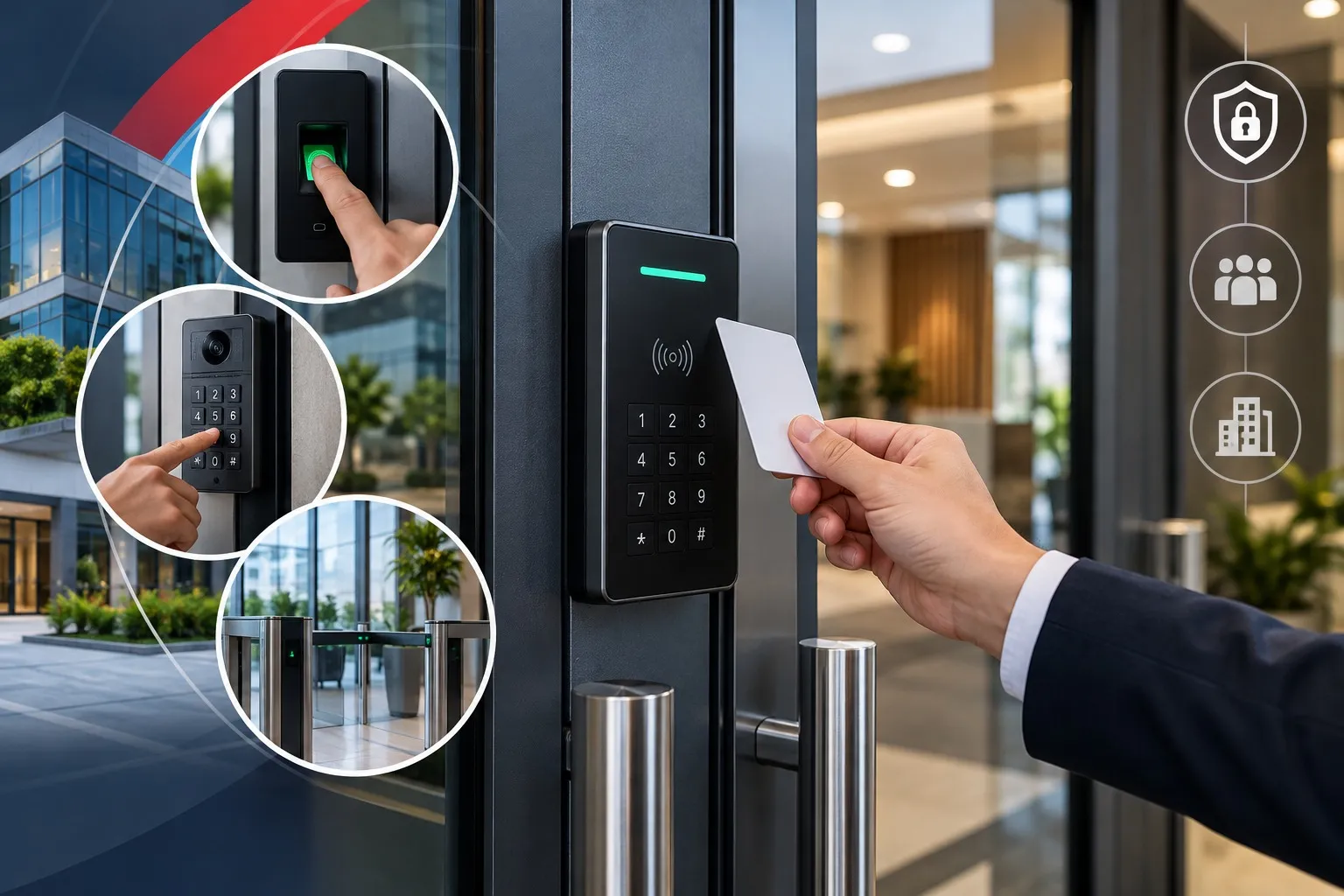
A commercial access control system manages entry to designated doors and areas by verifying credentials and applying assigned permissions. Instead of relying entirely on traditional keys, businesses can use electronic credentials and access management software to control who is authorized to enter specific locations.
Depending on the selected system, the main components may include:
- Access control readers: Read or verify supported credentials.
- Credentials: Physical cards, fobs, or compatible mobile credentials used by authorized individuals.
- Controllers: Process access requests and communicate with connected components.
- Electronic locking hardware: Secures doors and operates according to the system’s configuration.
- Management software: Allows authorized administrators to manage users and access permissions.
These components work together to provide controlled entry. The exact equipment required depends on the building layout, door types, number of entry points, and operational requirements.
What Should Businesses Assess Before Installation?
Before beginning an access control system installation, businesses should understand how their property is used and which areas require controlled entry. This assessment helps determine the appropriate equipment and installation requirements.
Entry Points and Restricted Areas
Start by identifying the doors that need access control. These may include main entrances, employee entrances, storage rooms, server rooms, and other restricted areas.
Not every door necessarily requires the same equipment or access rules. A main entrance may have different requirements from a room used by a small group of authorized employees. Mapping the entry points helps establish the scope of the project.
Employees and Access Permissions
Businesses should determine who needs access to each area and when that access should be permitted. Employees, managers, contractors, and other authorized users may require different permissions.
The system should also support appropriate administrative procedures when employees join the organization, change roles, or leave. Clear access policies help businesses maintain control over credentials and reduce the risk of outdated permissions remaining active.
Existing Infrastructure and Compatibility
Existing door hardware, electrical infrastructure, wiring, and network availability can influence the installation process. Businesses should assess these conditions before selecting equipment.
For example, the chosen reader and controller must be compatible with the intended credentials and system configuration. Electronic locking hardware must also suit the door and its intended use.
Reviewing these requirements early can help identify potential installation challenges and avoid selecting components that do not work together.
What Components Are Needed for Access Control Installation?
The equipment required depends on the property’s access requirements and the chosen system. Understanding the main components helps businesses evaluate their installation needs.
Readers and Credentials
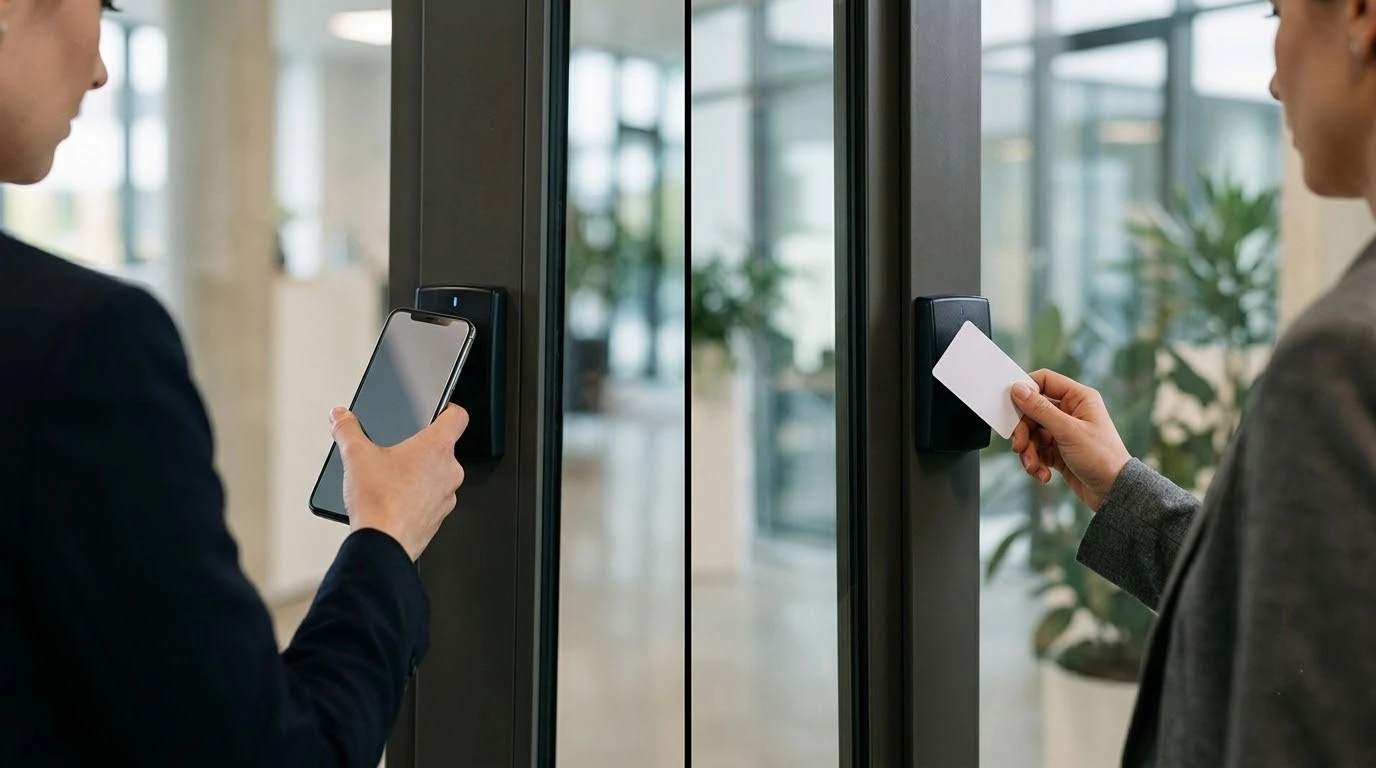
Readers verify the credentials presented by authorized users. Depending on the system, credentials may include physical cards, fobs, or supported mobile options.
Businesses should choose technology that suits their workforce and confirm that the readers support the intended credentials. Employee requirements and existing equipment should be considered before making a selection.
Controllers and Management Software
Controllers coordinate access decisions between supported components, while management software allows authorized administrators to assign and update permissions.
The available functions vary by platform. Businesses should confirm how the system handles user administration, credential revocation, and changes to access permissions.
Electronic Locks and Door Hardware
The locking hardware must be suitable for the door, frame, and intended access arrangement. Selecting appropriate equipment requires consideration of the door’s construction, entry and exit requirements, and compatibility with the access control system.
The installation should also account for applicable building and life-safety requirements. Door hardware should not interfere with required emergency exit arrangements.
Power, Cabling, and Network Requirements
Some systems require dedicated wiring, power connections, and network connectivity for communication between components and management software. Requirements vary according to the equipment and system design.
A site assessment helps determine what infrastructure is available and whether additional work is needed. This is particularly important when installing equipment across several doors or within an existing commercial building.
How Does the Access Control System Installation Process Work?
A structured installation process helps ensure that equipment, access permissions, and door requirements are addressed before the system is put into operation.
- Site survey and property assessment
The process begins with an assessment of the building, entry points, existing infrastructure, and security requirements. This helps establish the project’s scope and identify installation considerations.
- System design and quotation
The proposed design identifies suitable equipment, the locations requiring access control, and the expected installation work. A quotation can then outline the proposed scope and associated costs.
- Equipment installation
Compatible readers, controllers, locking hardware, and other required components are installed according to the approved design. Wiring, power, and network requirements are addressed as part of the work where applicable.
- System configuration
The system is configured to recognize supported credentials and apply the required access permissions. Authorized administrators should understand how to manage users and respond when access needs change.
- Testing and commissioning
The installer checks that the installed components operate as intended. Testing may include verifying authorized entry, confirming that restricted access works correctly, and checking communication between relevant system components.
- User guidance and ongoing support
After installation, administrators should understand routine system operation, credential management, and procedures for reporting faults. Maintenance arrangements should reflect the equipment and the property’s requirements.
The exact process can vary according to the building, selected equipment, and complexity of the project.
What Should Businesses Check After Installation?
Testing is an important part of confirming that an installed system meets the intended requirements. Before regular use, businesses should review the following:
- Confirm that authorized users can access their assigned areas.
- Verify that restricted areas remain inaccessible to users without permission.
- Check that readers, controllers, and locking hardware operate correctly.
- Review administrator access and credential management procedures.
- Confirm that door operation remains consistent with applicable safety requirements.
- Ensure that relevant staff understand how to report problems and request access changes.
These checks help identify issues before the system becomes part of everyday operations. Businesses should also retain relevant installation information and follow the maintenance guidance provided for their equipment.
What Factors Affect Access Control Installation Costs?
The cost of access control installation depends on the property’s requirements and the selected equipment. A quotation should account for more than the number of readers.
Important cost factors include:
- Number of doors: Additional entry points may require more equipment and installation work.
- Equipment selection: Readers, controllers, credentials, and locking hardware vary by system.
- Existing infrastructure: Wiring, power, and network conditions can affect the amount of work required.
- Installation complexity: Door construction, building layout, and site conditions can influence the project scope.
- Software and licensing: Some platforms have ongoing software or credential-related fees.
- Testing and maintenance: Commissioning, support, and ongoing servicing may contribute to the overall cost.
Businesses should compare quotations based on the proposed scope, equipment, installation work, and ongoing requirements. A property assessment provides a more reliable basis for estimating costs than a general price alone.
Why is Professional Access Control Installation Important?
Professional installation helps businesses evaluate equipment compatibility, door requirements, infrastructure, and access policies before the system is put into operation.
Incorrect component selection or configuration can cause access problems and administrative difficulties. A planned installation also provides an opportunity to test the system, confirm that permissions work as intended, and address issues before regular use.
For commercial properties, installation planning should consider how access control fits into the existing security infrastructure without compromising required door operation or emergency exit arrangements. Ongoing support and appropriate maintenance can help businesses keep the system aligned with their operational needs.
How Can Cisco Fire Systems Help With Business Access Control?
Cisco Fire Systems provides access control services for businesses in its service area, helping organizations manage entry points and protect restricted areas. As an experienced access control installation company, Cisco Fire Systems evaluates each property’s layout, existing infrastructure, entry points, and employee access requirements to help determine a suitable solution.
The company follows a structured approach that includes site assessment, system design, professional installation, testing, and ongoing support. This helps businesses understand their installation requirements, select compatible equipment, and ensure that the system meets their operational and security needs.
As a family-owned company since 1982, Cisco Fire Systems provides fire and security solutions for commercial and residential properties. Businesses can discuss their access control requirements with the team and request a free site survey to assess their property’s needs and explore suitable installation options.
Conclusion
Access control system installation involves several connected stages, including property assessment, equipment selection, system design, installation, configuration, testing, and ongoing maintenance. Businesses should evaluate their entry points, employee permissions, existing infrastructure, and long-term requirements before choosing a system. Careful planning helps ensure that the selected equipment fits the property and supports its daily operations.
Cisco Fire Systems helps businesses plan access control solutions based on their security requirements and building conditions. Through professional installation, testing, and ongoing support, the company works to address the access needs of commercial and residential properties in its service area. Businesses can contact Cisco Fire Systems to discuss their requirements and arrange a free site survey.
Frequently Asked Questions
1. How long does access control system installation take?
The installation timeline depends on the number of doors, existing infrastructure, equipment requirements, and complexity of the project. A site assessment helps establish the expected scope and schedule.
2. Can access control be installed in an existing commercial building?
Yes, access control can often be installed in existing buildings. However, the door hardware, wiring, power availability, and compatibility of the selected equipment should be assessed before work begins.
3. Does every door need an access control reader?
No. Reader requirements depend on which entry points need controlled access and how the system is designed. Some doors may require different arrangements based on their use and entry or exit requirements.
4. What happens after an access control system is installed?
The system should be configured and tested to verify that credentials and access permissions work as intended. Administrators should also understand user management, credential revocation, and how to report technical issues.
5. How often should an access control system be maintained?
Maintenance frequency depends on the equipment, usage, manufacturer guidance, and property requirements. Regular checks and timely attention to faults help businesses keep their access control system operating as intended.
About the author

Victor Gaier
Victor Gaier is an Electrical Engineer with 40+ years of experience specializing in fire alarm systems, CCTV, access control, intrusion alarms, and commercial security solutions across Nassau County and Long Island.
Share this article
Frequently Asked Questions
1. How does Cyberx protect business data?
2. Is Cyberx suitable for small businesses?
3. Does Cyberx support cloud security?
4. How quickly does Cyberx respond to threats?
5. Can Cyberx integrate with existing systems?
Related Blogs
Explore more expert insights, tips, and updates on fire protection and security solutions.

Need Assistance? Get Your Free Site Survey
Protect your home or business with reliable fire protection and security solutions from Cisco Fire Systems. Tell us about your property and security needs, and our team will recommend the right solution for you.